Fast & Reliable
High performance optimized over years of use. The speed is automatically adjusted depending on the connection conditions.
FREE for personal and commercial use
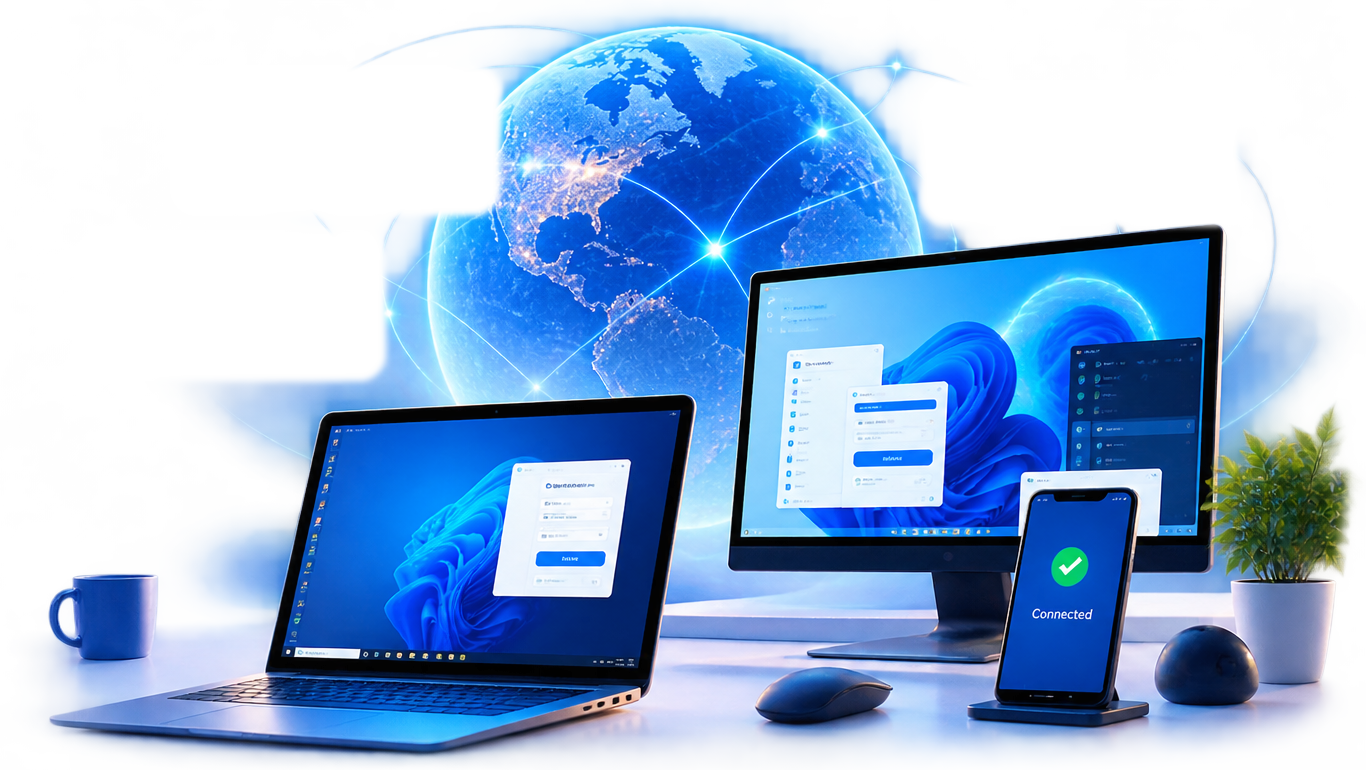
With this remote desktop software you can control your computers at a distance.

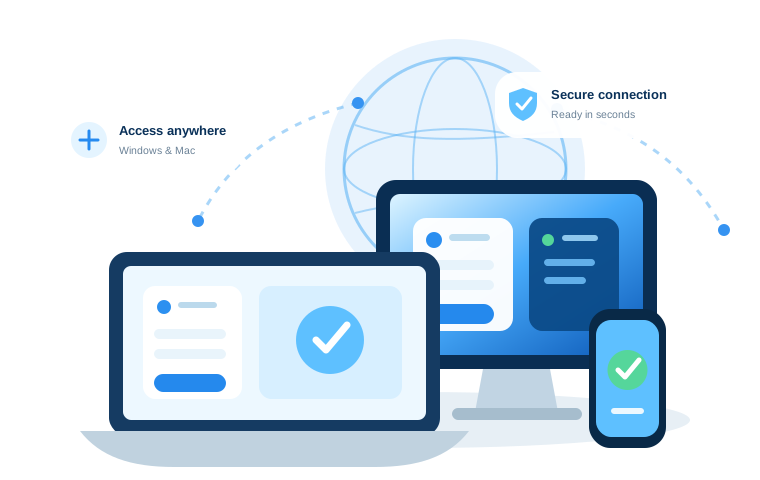
Access Your ComputerAnywhere

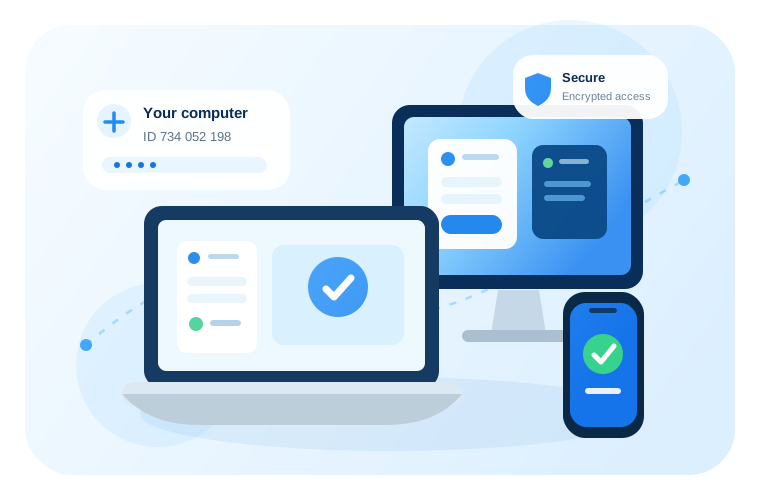
SecureAES-256 Encryption

Ultra FastLow Latency
High performance optimized over years of use. The speed is automatically adjusted depending on the connection conditions.

This is probably one of the easiest remote desktop software. Minimalism and elegance in the interface and settings.

AES (Advanced Encryption Standard) based protection. The SRTP (Secure Realtime Protocol) is used for video, audio and file transfer.
Distant Desktop allows you to work on remote computers from anywhere in the world. No installation and no registration required.
Just download and run the application on your Windows or Mac computer. Use ID and Password to connect to remote computer, or provide access to your own PC.
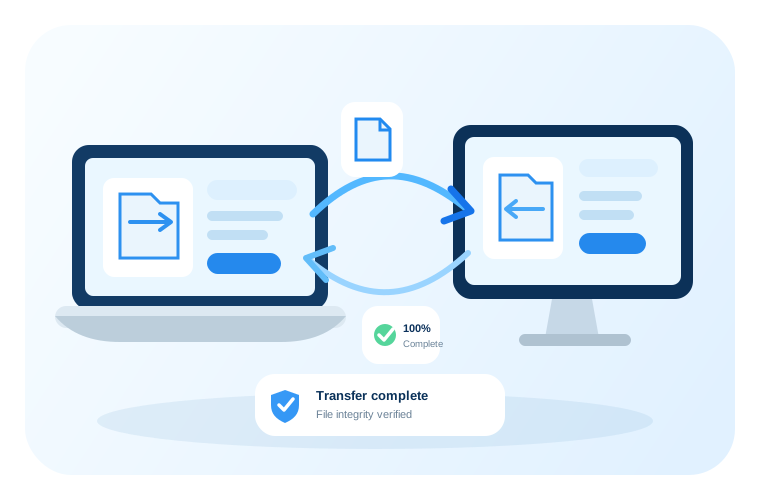
Send files and folders securely from your computer to remote host and vice versa. Initiating the file transfer only takes a few clicks.
The integrity of the transferred files is guaranteed.
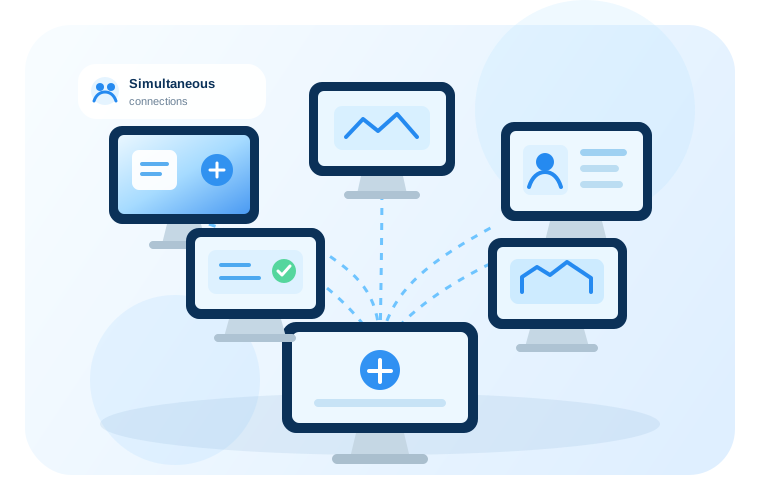
With Distant Desktop you can connect to several computers at once. This feature is useful for administration and remote technical assistance.
You can also allow remote desktop connection to your PC for several partners at a time.
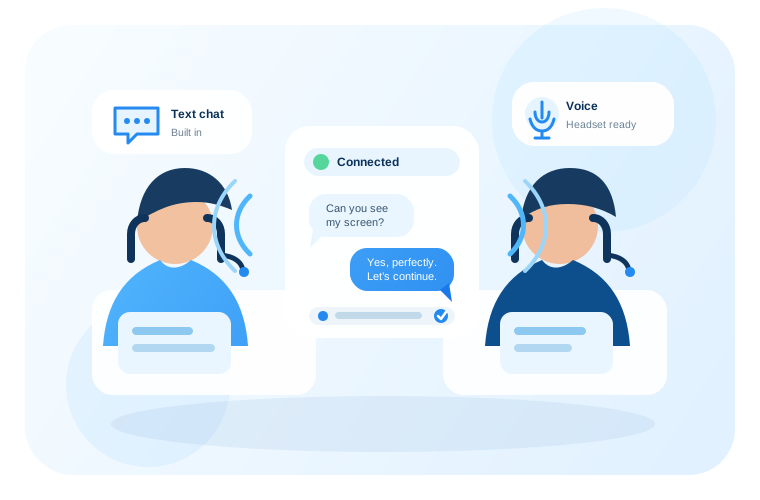
While working you can send and receive the text messages from your remote partner. Just write to integrated chat window.
Use a microphone and speakers, or a headset for voice communication.
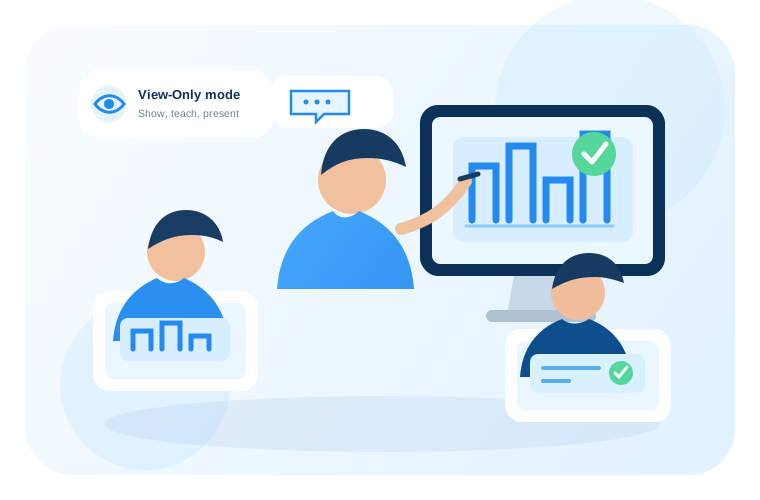
The View-Only mode is another way to use our remote desktop software. In this mode you allow remote access to your desktop, but the ability to control your PC is disabled. The users are allowed to see your actions, talk to you, or send messages to chat. This mode is ideal for distance education, training or presenting your digital products.
Download the Distant Desktop and run it. The software must also be running on the remote PC. No registration required.
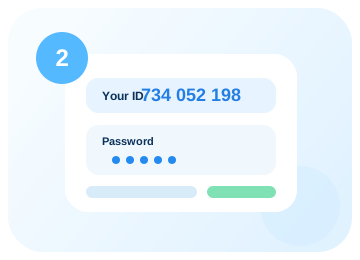
Find out the ID and password of the remote side. Both are displayed on the first window of Distant Desktop.
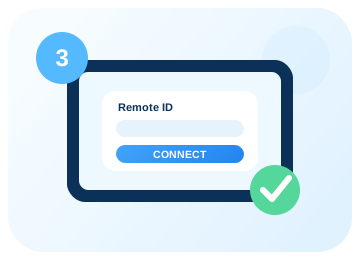
Click the "Connect..." button and enter remote ID and password. Everything is ready. Get started!

Distant Desktop can be installed as a service. Connect remotely anytime, using a static password and ID.

Collect the list of remote contacts. Keep IDs and other information about your partners and clients.

Send system keys, lock, reboot, shutdown remote PC - any command with one click!

Directly print remote documents on a local printer, or print any local document on remote printer.

Control who gains remote access to your PC by whitelisting trusted IDs. This will prevent unauthorized remote desktop connection.

Turn on or wake up a remote computer over the local network or over the Internet.
TechRadar Review

“DistantDesktop is perfect for professional and commercial applications.
It boasts a minimalist design and easy-to-use software”
 5 Stars Rating
SoftPedia Review
“Distant Desktop provides one of the easiest ways to access a PC remotely, without having to go through an installation process. One of its important advantages is its support for multiple simultaneous connections, on both ends.”
5 Stars RatingCapterra Review
“An excellent remote access app.
Finally, a good and free remote access software app with many features.”
5 Starts RatingG2 Review
“Good tool for admins.
Easy to deploy and use. Complete set of tools for administration, such as file transfer and installation as a service.”
5 Stars Rating 4,700,000+downloads
 420,000+sessions per month
 3,000,000+endpoints
 100+countries