FREE for personal and commercial use (with restrictions)

Download

Download remote desktop sharing software. Free for business and individual use.

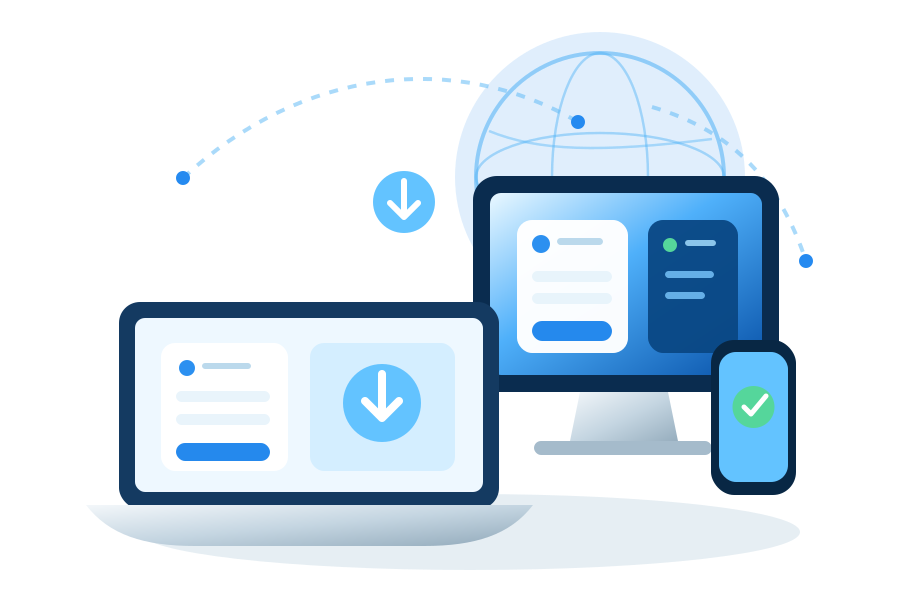
Connected laptop, desktop monitor, phone, and remote application around a network globe

DOWNLOAD

Choose Your Platform

Download and start in minutes.
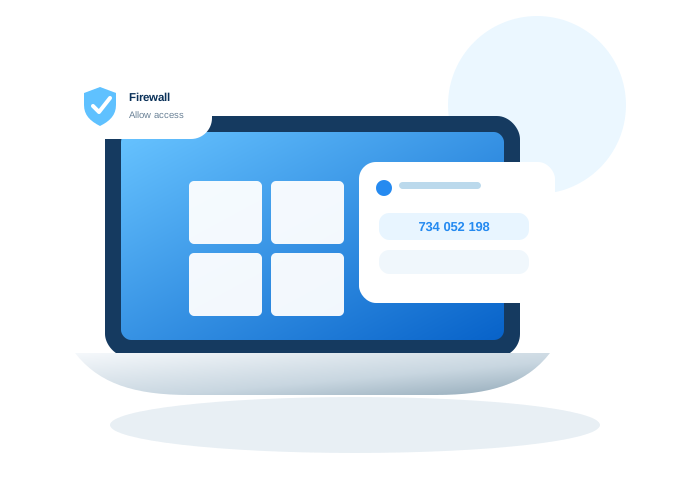
Distant Desktop running on Windows devices

Distant Desktop for Windows

  • Connect to remote desktop of Windows & Mac computers and administer them.
  • Provide support for your customers by solving the problems distantly.
  • Hold virtual classes for distance education. Run online presentations of your digital products.
  • Organize the work of your employees from home or from business trips.
Version 4.3
  • New modern interface.
  • New option: prevent PC sleeping.
  • Fixed bug: high CPU load after disconnection.
Download Now
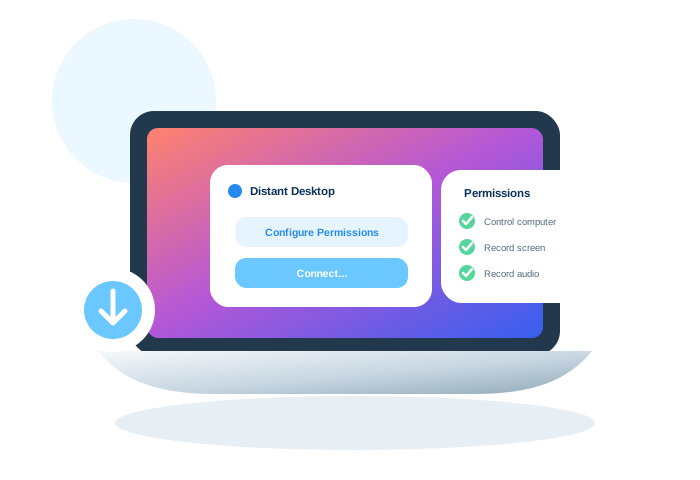
Distant Desktop running on macOS devices

Distant Desktop for macOS

  • Connect to Mac and Windows computers remotely and control them.
  • Provide remote technical assistance for your clients.
  • Work from home by connecting to your office computer.
  • Help your parents solve any computer problem.
Version 2.0
  • Compatibility with macOS Sonoma;
  • Minor fixes.
Download Now

Supported Operating Systems

Choose a platform to see supported versions.

Windows 7, Vista, 8, 10, 11, Windows Server 2008 – 2023

GET CONNECTED

After Download

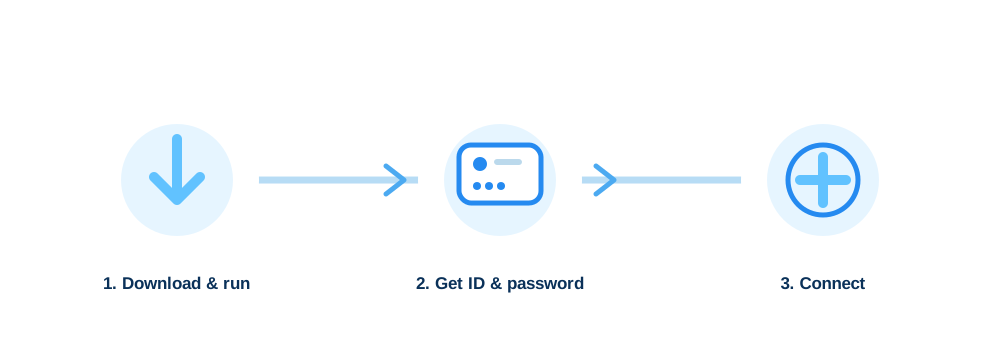
Three simple steps to start a remote connection.
Three steps: download and run, get ID and password, and connect
STEP 1

Download & Run

Download Distant Desktop on your computer and on the remote computer, then run the application.

STEP 2

Get ID & Password

Use the ID and password displayed by Distant Desktop on the remote computer.

STEP 3

Connect

Click Connect, enter the remote ID and password, and start the remote session.